astro-rssでのRSSの改善とモジュール化
RSS改善
Astro.jsではrss生成を以下のように行える
import rss, { pagesGlobToRssItems } from '@astrojs/rss';

export async function GET(context) {
  return rss({
    title: 'Astro学習者 | ブログ',
    description: 'Astroを学ぶ旅',
    site: context.site,
    items: await pagesGlobToRssItems(import.meta.glob('./**/*.md')),
    customData: `<language>ja-jp</language>`,
  });
}

課題
rowicyの本サイトでも公式のコードに倣い以下のようにしてRSSを提供していた
import rss from '@astrojs/rss';
import { getCollection } from 'astro:content';
import siteInfo from '@/data/siteInfo';

export async function GET(context) {
  const blogs = await getCollection('blog');
  return rss({
    title: siteInfo.appName,
    description: siteInfo.description,
    site: context.site,
    items: blogs.map(blog => ({
      title: blog.data.title,
      pubDate: blog.data.pubDate,
      description: blog.data.description,
      customData: blog.data.customData,
      link: `/blog/${blog.slug}/`,
    })),
    customData: `<language>ja-jp</language>`,
  });
}
※ 独自のフロントマターによりpagesGlobToRssItemsは使えないのでitems内をそれぞれ設定
これでRSS情報は取得できるようになっているのだが、個人的にFeedlyを使うようになって本サイトがどう表示されるか試した時に
【1.】サムネイル画像が表示されない
【2.】サイトを購読追加する際に、RSS候補が出てこない ( URL入力で候補がでてくるが ‘https://www.rowicy.com’ 入力時にはでてこない )
ことがわかったので年末年始の空き時間でこの改善をした
RSS比較
今回ははてなブログを参考にRSSに要素を追加した
- rowicyのRSS
<rss version="2.0" data-google-analytics-opt-out="">
    <channel>
        <title>Rowicy</title>
        <description>RowicyのWebサイトです。</description>
        <link>https://www.rowicy.com/</link>
        <language>ja-jp</language>

        <item>
            <title>includeで引数に応じて出力の分岐をする方法</title>
            <link>https://www.rowicy.com/blog/ejs-include-argument/</link>
            <guid isPermaLink="true">https://www.rowicy.com/blog/ejs-include-argument/</guid>
            <description>EJSのincludeで引数に応じて出力の分岐を行う方法をご紹介します。</description>
            <pubDate>Tue, 14 Mar 2023 00:00:00 GMT</pubDate>
        </item>
...- はてなブログのRSS
<?xml version="1.0" encoding="UTF-8"?>
<rss version="2.0">
  <channel>
    <title>Sample Blog Title</title>
    <link>https://example.com/</link>
    <description>This is a sample RSS feed description.</description>
    <lastBuildDate>Tue, 01 Jan 2025 12:00:00 +0000</lastBuildDate>
    <docs>https://example.com/rss-spec</docs>
    <generator>Sample::RSS::Generator</generator>

    <item>
      <title>Sample Article Title</title>
      <link>https://example.com/articles/sample-article</link>
      <description>
        This is a sample article description.
        It can contain plain text or HTML content.
      </description>
      <pubDate>Tue, 01 Jan 2025 10:00:00 +0000</pubDate>
      <guid isPermaLink="false">sample://entry/1234567890</guid>
      <category>Technology</category>
      <category>Web</category>
      <category>Sample</category>
      <enclosure
        url="https://example.com/images/sample-image.png"
        type="image/png"
        length="0"
      />
    </item>
	...
比較してみてitem要素に以下が追加できそうだ
- category: タグ
- enclosure: サムネイル画像
要素追加
Astroのソースコードから
公式ドキュメントではこの要素の言及がなかったが, astro-rssではv2.4.0からcategory, enclosure, author, comments, sourceなどに対応していたので


公式のテストコードに沿って以下のように追加した
  const blogs = await getCollection('blog');
  return rss({
    title: siteInfo.appName,
    description: siteInfo.description,
    site: context.site,
    items: blogs.map(blog => ({
      title: blog.data.title,
      pubDate: blog.data.pubDate,
      description: blog.data.description,
      customData: blog.data.customData,
      link: `/blog/${blog.slug}/`,
+       categories: blog.data.tags,
+       enclosure: {
+        url: `/og/${blog.slug}.png`,
+        type: 'image/png',
+        length: 0,
+      },

    })),
    customData: `<language>ja-jp</language>`,
  });
※ v4.0.5からはenclosure.lengthは0も設定できるようになった。これはRSS Advisory Boardにてバイトサイズ不明の時に0を設定するようになっている
RSS仕様的には設定はしたほうがよいのだろうが、バイトを計算するコード実装は少し面倒なので後回し
またGoogleのクローラーがこの値を重視しているのかは不明(RSSは壊れてないかだけみてリンク先内容を重視しているのではと推測)
enclosureを記事内画像に
OGP画像をenclosureに設定するだけではフィード一覧が同じ顔ぶれのサムネだけになってしまう
記事の第一印象を伝えるために、記事内画像挿入があればそれをサムネイルにしたい
ということで記事から画像リンクを抜き取る関数も用意した
function extractImageUrl(body: string) {
  if (!body) return null;
  const relativeImages = [];
  const absoluteImages = [];
  const imgTagRegex = /<img[^>]+src=["']([^"']+)["'][^>]*>/g;
  const mdImageRegex = /!\[^\](^\)*\]\(([^)]+)\)/g;

  const imgMatches = [...body.matchAll(imgTagRegex)];
  const mdMatches = [...body.matchAll(mdImageRegex)];
  const allUrls = [
    ...imgMatches.map(match => match[1]),
    ...mdMatches.map(match => match[1]),
  ];

  if (allUrls.length === 0) return null;

  for (const url of allUrls) {
    const isRelative = url.startsWith('/');
    let fullUrl = url;
    const ext = fullUrl.split('?')[0].split('.').pop()?.toLowerCase();
    let type;

    switch (ext) {
      case 'jpg':
      case 'jpeg':
        type = 'image/jpeg';
        break;
      case 'png':
        type = 'image/png';
        break;
      case 'gif':
        type = 'image/gif';
        break;
      case 'webp':
        type = 'image/webp';
        break;
      case 'svg':
        type = 'image/svg+xml';
        break;
      default:
        continue;
    }

    const imageObj = {
      url: fullUrl,
      type: type,
      length: 0,
    };

    if (isRelative) {
      relativeImages.push(imageObj);
    } else {
      absoluteImages.push(imageObj);
    }
  }

  const images = [...relativeImages, ...absoluteImages];
  return images.length > 0 ? images : null;
}
取り急ぎ用意したような関数のため拡張性がないが, Markdownから画像リンク, imgタグを抜き出せる
enclosureはtype指定が必須であるため
リンクのURLから拡張子がわかる場合のみ候補に追加している
また, 自サイト内で提供している画像(public/image配下)をリスト内で優先にした
この関数を用いてenclosureは以下のようになる
      enclosure: extractImageUrl(blog.body)?.[0] || {
        url: `/og/${blog.slug}.png`,
        type: 'image/png',
        length: 0,
      },
これで 【1.】サムネイル画像が表示されない は解決
OGP画像は画像が取れない時に設定される
先ほどのextractImageUrlはenclosureオブジェクトのリストを返すのに最初の要素だけ使っているが
これは型で決まっているためである. これについての余談として、RSS2.0の追加仕様であるRSS Best Practices Profileのenclosure解説では
For best support in the widest number of aggregators, an item should not contain more than one enclosure.
幅広いRSS収集者のサポートをうけるために、itemはenclosureを2つ以上含まない方がよいです
とある一方で、item解説では
The preceding elements must not be present more than once in an item, with the exception of category.
itemの各要素はcategory除いて、1つのitemに複数回存在してはなりません
とあるため強制表現に矛盾がある
世の中の大半のRSS Readerは後者の仕様にしたがってenclosureは1つだけを読み込むことが多いだろう
他の要素は追加しないのか
itemの他要素としてcommentsやauthor が設定できるが,
comments: コメント欄がない
author : 値にメールアドレスが必要だが、現メンバー全員がメアドを公開していない
ため設定はしなかった
フィードのモジュール化
RowicyではメンバーごとのRSSも用意している
https://www.rowicy.com/{MEMBER_NAME}/rss.xml
そのため, 内容を使い回しつつitemをメンバー名で絞り込む必要がある
src/lib/getFeed.tsでgetFeedを用意
メンバー名やタグ名でフィルタしてRSSOptionsを返すようにした
async function getFeed( siteUrl: string, maxItems?: number, filter?: { tag?: string; author?: string }) {

// ...
  const rssOptions: RSSOptions = {

    items: blogs.map(blog => ({
      title: blog.data.title,
      pubDate: new Date(blog.data.pubDate),
      description: blog.data.description,
      link: blog.data.externalUrl
        ? blog.data.externalUrl
        : `/blog/${blog.slug}/`,
      categories: blog.data.tags,
      enclosure: extractImageUrl(blog.body)?.[0] || {
        url: `/og/${blog.slug}.png`,
        type: 'image/png',
        length: 0,
      },
    })),
    customData: `<language>ja-jp</language>`,
  };
  return rssOptions;
}
export { getFeed };
詳しくはこちら
link rel=“alternate”
【2.】サイトを購読追加する際に、RSS候補が出てこない
については<link rel="alternate">の設置により解消した
<link rel="alternate">は「今見ているページとは別の代替ページが存在すること」を伝えるためのHTMLタグ
RSS他にも多言語対応ページやSPサイトがあればそれを記述する
これを設定し忘れていただけだった
まとめ
最終的にFeedlyで問題なく記事を取得できるようになった
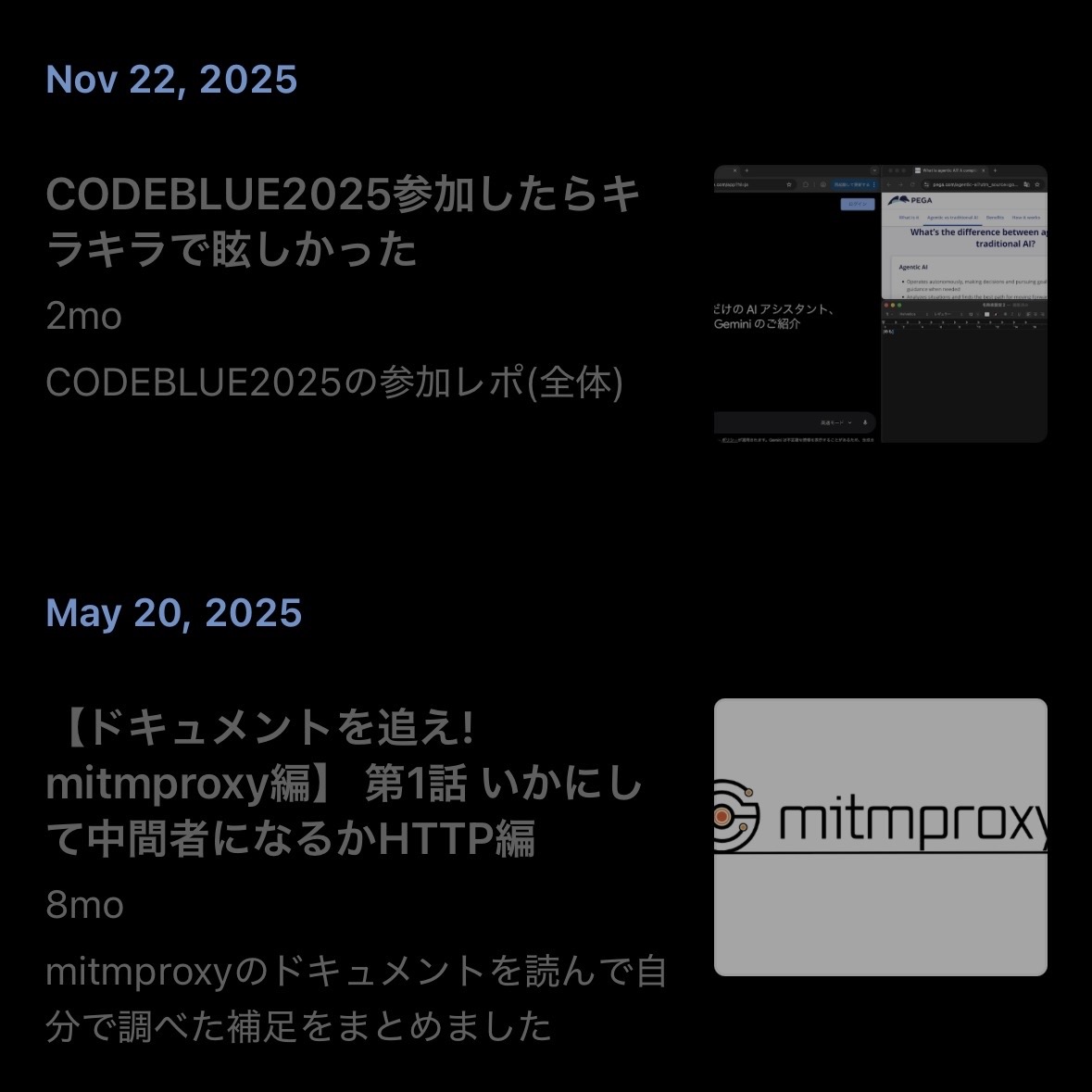
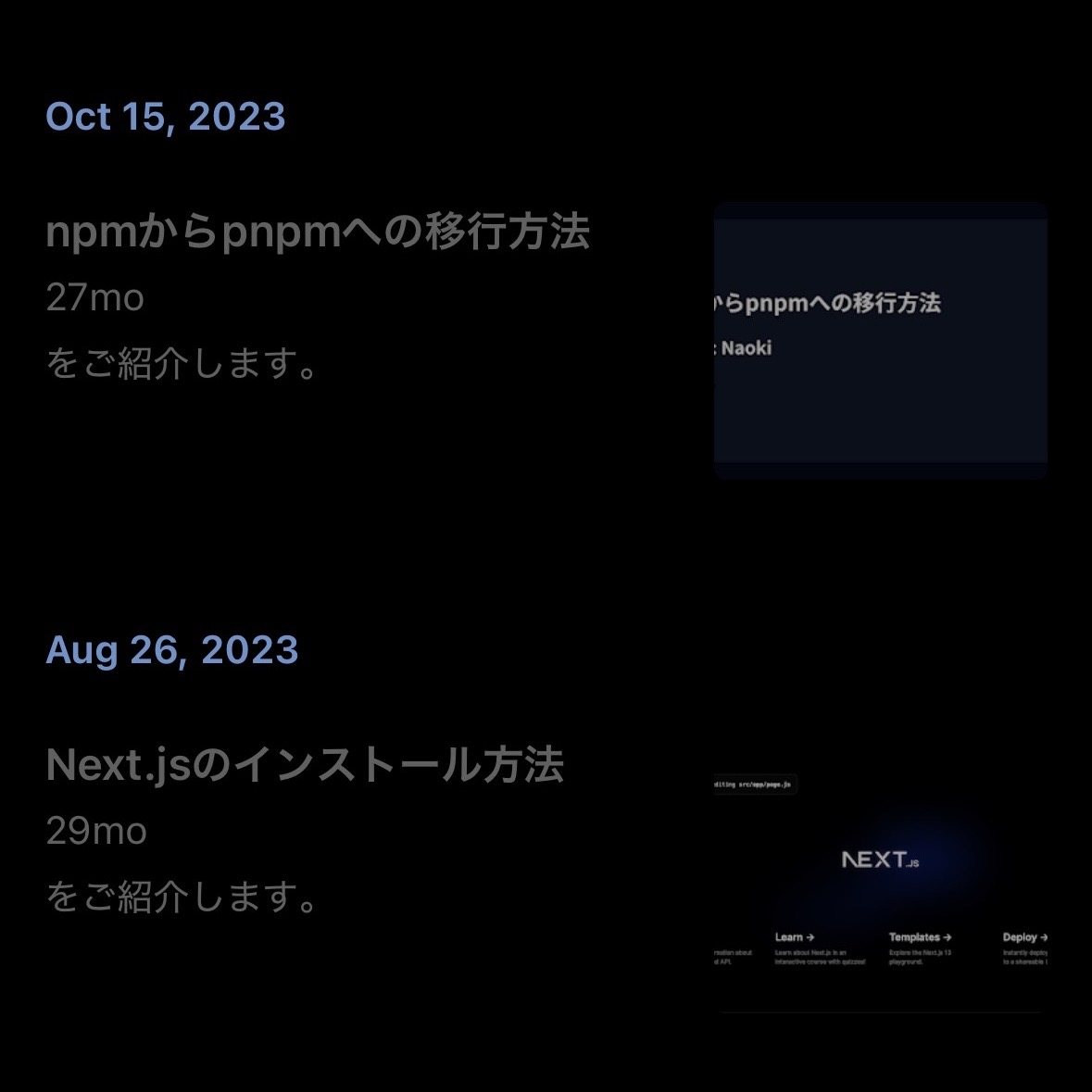
他にもitemの時系列順を最新順にしたり外部記事ではURLを外部に変えるなどの細かい修正をしてPRに出した
今回の修正はRSSの仕様について情報を探すことが多く、時間のかかる作業だった
仕様の調査にはperplexityを使用したが、表面上の回答が多く、実際にソースを読んでいく中での発見の方が多かった
ドキュメント調査でもまだ自力で読んでいく必要があると感じたし、心理的にもAIの出力を確認しにサイトに行く癖がまだあるが、出力にない重要な情報を見つけるたびに「やっぱり」と思う
AIを用いての調査については別記事にいつか書くとして、今回はこんなところで